
Chapter 2: Thinking Like a Computer
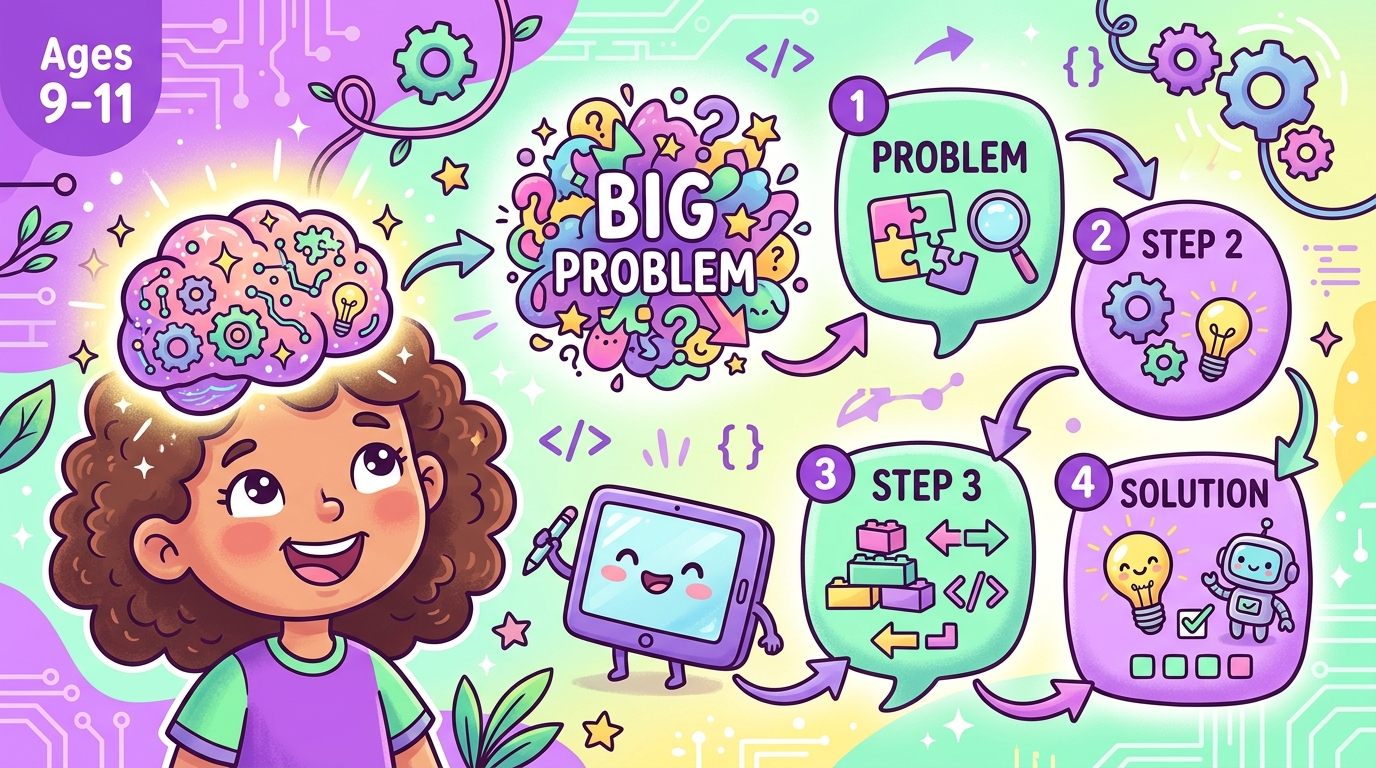
Thinking Like a Computer 💻
Section titled “Thinking Like a Computer 💻”Welcome back, AI Explorers! In Chapter 1, we learned that AI is not a magic wand or a tiny person living inside your tablet. We learned that it is a computer program designed by humans to find patterns and make really good guesses.
But if computers don’t have brains like we do, how do they know what to do?
The secret is that computers are actually not very smart on their own. They don’t have “common sense.” If you tell a human to “clean your room,” they know that means to pick up toys, make the bed, and put dirty clothes in the hamper. If you tell a computer to “clean your room,” it will just sit there, completely confused!
Computers need us to tell them exactly what to do, step by step. In this chapter, we are going to learn how to think like a computer so we can give AI the best instructions possible.
2.1 — The Art of the Breakdown 🧩
Section titled “2.1 — The Art of the Breakdown 🧩”Have you ever looked at a giant, messy pile of Lego bricks and felt totally overwhelmed? Building a massive Lego spaceship seems impossible if you just stare at the huge mountain of plastic. Your brain might panic and say, “This is too hard!”
But what happens if you open the instruction manual? The manual takes the giant, scary project and breaks it down into tiny, easy steps. “First, find this blue square. Next, attach these two red pieces.” You just do one tiny thing at a time, and before you know it — ta-da! — you have built a masterpiece.
Computer scientists do the exact same thing when they talk to computers. They use a special skill called Computational ThinkingComputational Thinking: A problem-solving approach used by computer scientists — breaking big, complicated problems into smaller, manageable steps that a computer can follow..
A big part of computational thinking is taking a giant, scary problem and chopping it into those tiny, easy steps. We call this DecompositionDecomposition: Breaking a big problem apart into its smallest, simplest pieces so it is easier to solve — one step at a time. (dee-com-po-ZI-shun). To decompose something means to break it apart into its smallest pieces.
Humans actually use decomposition all the time without even realizing it. Imagine trying to “throw a birthday party.” If you just run around your house yelling “Party!”, nothing will happen. You have to decompose it:
- First, pick a date
- Second, make a guest list
- Third, bake a cake
- Fourth, buy balloons
Just like humans planning a party, computers need decomposition because they do not understand the “big picture.” They only understand the exact step right in front of them.
If you want an AI to write a story for you, you can’t just say, “Write a good story.” That is way too big and vague! The AI will just guess, and you might end up with a boring story about a toaster. Instead, you have to decompose the big idea into smaller questions:
| Smaller Question | Your Answer |
|---|---|
| Who is the main character? | A clumsy dragon named Sparky |
| Where do they live? | In a castle made of marshmallows |
| What is their problem? | He sneezes fire and keeps roasting his house! |
| How do they solve it? | He invents the world’s first dragon tissue |
By answering these smaller questions one by one, you give the AI the exact puzzle pieces it needs. By breaking the problem down, you are finally speaking the computer’s language!
2.2 — Giving Great Instructions 📋
Section titled “2.2 — Giving Great Instructions 📋”Imagine that AI is a super-fast, world-class chef. This chef can chop vegetables at lightning speed and bake a cake in three seconds! But there is a catch: the chef has never seen food before and has no idea what a meal is.
If you are the recipe writer, you have to tell the chef exactly what to do. In the computer world, a recipe is called an AlgorithmAlgorithm: A list of step-by-step instructions that tells a computer exactly what to do, in the right order — like a recipe for a meal. (AL-go-rith-um). An algorithm is just a list of step-by-step instructions.
When we give instructions to an AI — like typing a question into a chatbot — we call it a PromptPrompt: The instructions or question you type into an AI. A good prompt gives the AI all the details it needs to give you a great answer.. Giving the AI great instructions is called Prompt EngineeringPrompt Engineering: The skill of writing clear, specific prompts so that an AI gives you exactly the kind of answer you are looking for..
To be a good Prompt Engineer, you need to be specific:
| ❌ Bad Prompt | ✅ Good Prompt |
|---|---|
| “Tell me about space.” | “Write a fun, three-paragraph story for a 4th grader about a dog who travels to Mars in a rocket ship.” |
The bad prompt might get you a lesson about the space bar on a keyboard — or a boring college textbook answer! The good prompt tells the AI exactly what recipe to follow.
2.3 — When AI Gets Confused 🤔
Section titled “2.3 — When AI Gets Confused 🤔”Because computers don’t have human common sense, vague instructions can lead to very silly mistakes.
Let’s go back to our super-fast chef. Imagine you gave the chef this prompt: “Make me a bowl of cereal.”
Because you weren’t specific, the AI chef might grab a bowling ball, pour in a whole box of cereal (cardboard box and all!), and top it off with a gallon of orange juice instead of milk. You said “make a bowl of cereal,” and that’s technically what it did!
When AI gives you a weird, silly, or unhelpful answer, it usually isn’t trying to be funny. It is usually because our prompt wasn’t clear enough. If an AI gets confused, don’t give up! Just practice your computational thinking:
- 🧩 Break the problem down
- ✏️ Rewrite your algorithm
- 🚀 Try a better prompt
Chapter 2 Activity: The Peanut Butter & Jelly Robot 🥪
Section titled “Chapter 2 Activity: The Peanut Butter & Jelly Robot 🥪”Your Mission: It is time to practice writing the ultimate algorithm! You are going to program a “Robot” — your friend, teacher, or family member — to make a peanut butter and jelly sandwich.
Step 1: Write Your Algorithm
Section titled “Step 1: Write Your Algorithm”Take a piece of paper and write down the step-by-step instructions for making a PB&J sandwich. Remember, your robot has NO common sense. You must be specific!
Step 2: Program Your Robot
Section titled “Step 2: Program Your Robot”Hand your instructions to your partner. Your partner must act like a robot and do exactly what is written on the paper — nothing more and nothing less.
Step 3: Watch Out for Bugs!
Section titled “Step 3: Watch Out for Bugs!”Did your robot smash the bread because you forgot to tell them to spread the peanut butter gently? Did they put the peanut butter on the outside of the sandwich? When a computer program has a mistake in it, we call it a BugBug: A mistake or error in an algorithm or computer program that causes it to behave in a way you didn't intend..
Step 4: Debug!
Section titled “Step 4: Debug!”If your robot made a silly mistake, laugh it off, fix the mistake in your written instructions, and try again! Fixing mistakes in an algorithm is called DebuggingDebugging: The process of finding and fixing mistakes (bugs) in an algorithm or computer program..
🎉 Great job! You now know how to think like a computer!